Add your promotional text...
How to Find Your Info on the Fargo Rate Site
A. Navigate to the Fargo Rate Site
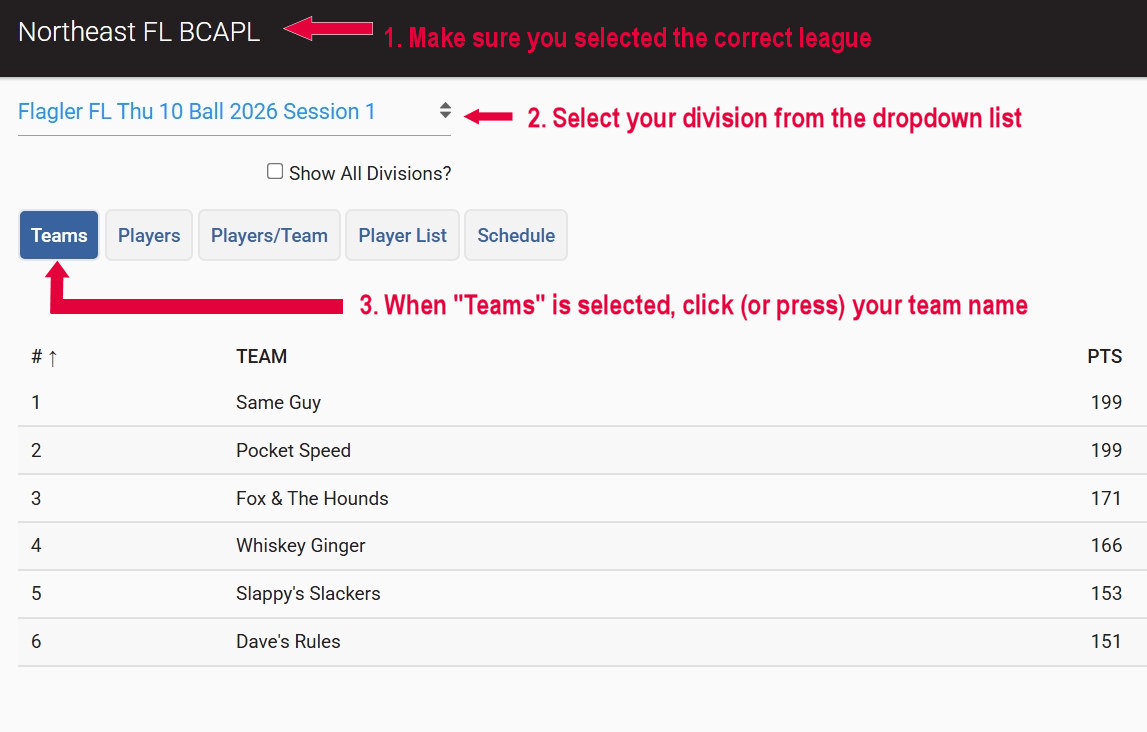
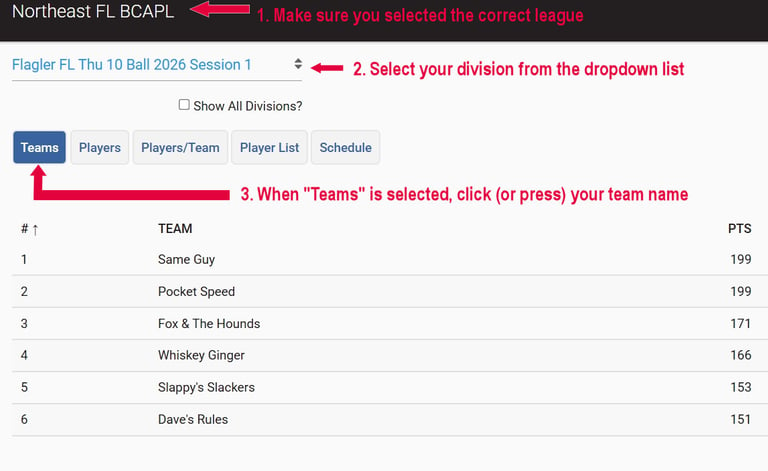
You will be taken to the page in this first image where you follow the directions (in red on the image) to learn more about your team's history.
Confirm you are looking at the correct league in the top left. Your league should be Northeast FL BCAPL.
Select your division in the dropdown list.
Select the Teams tab.
B. Teams Tab
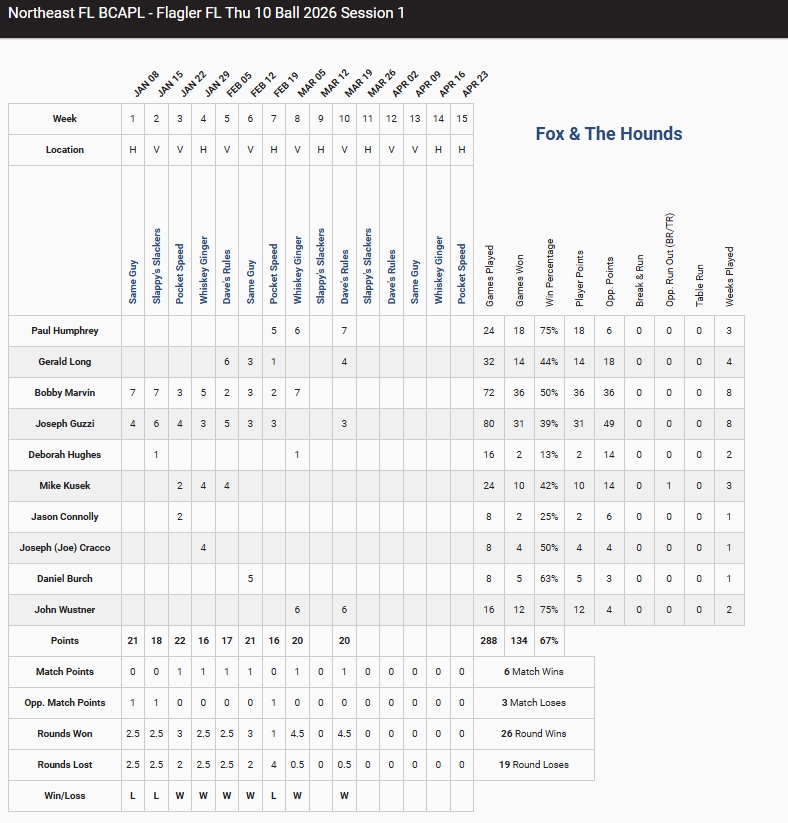
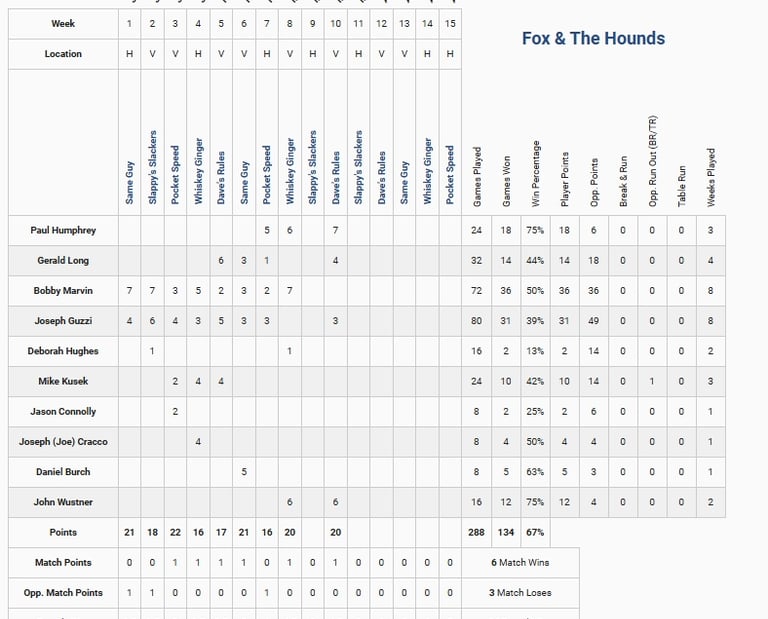
Here you will see statistics about the team broken down to individual players followed by the team's won-lost record, how many games each player has played in, and other stats.
Do not use these stats to estimate your handicap.
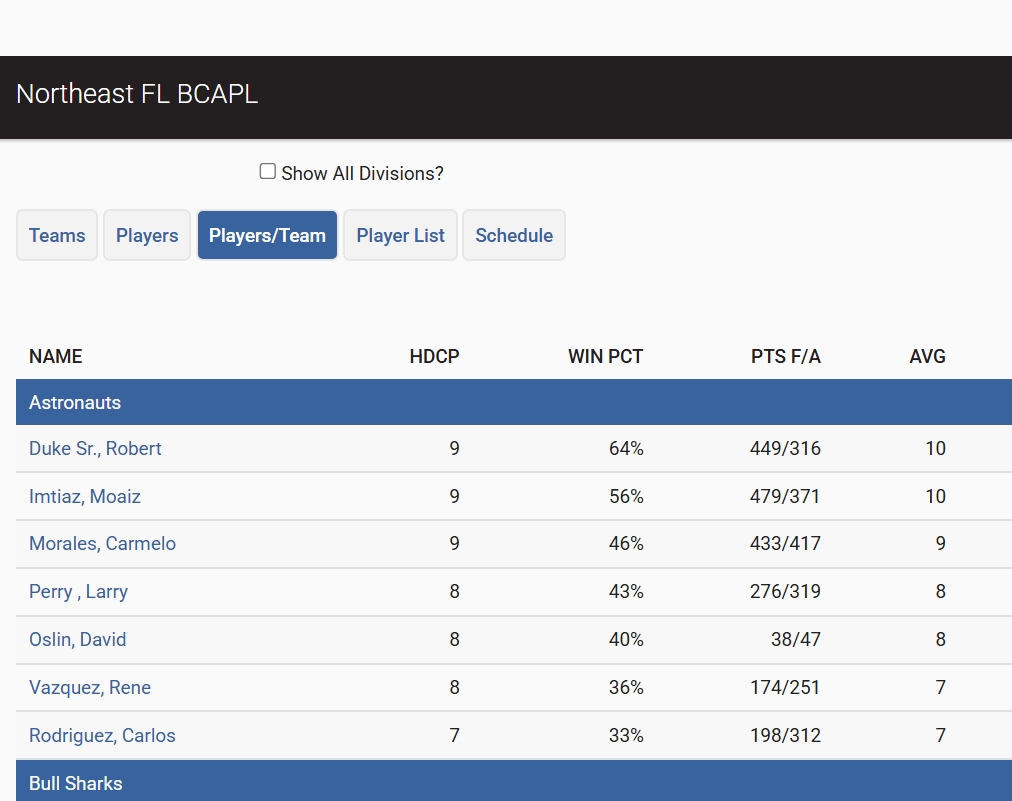
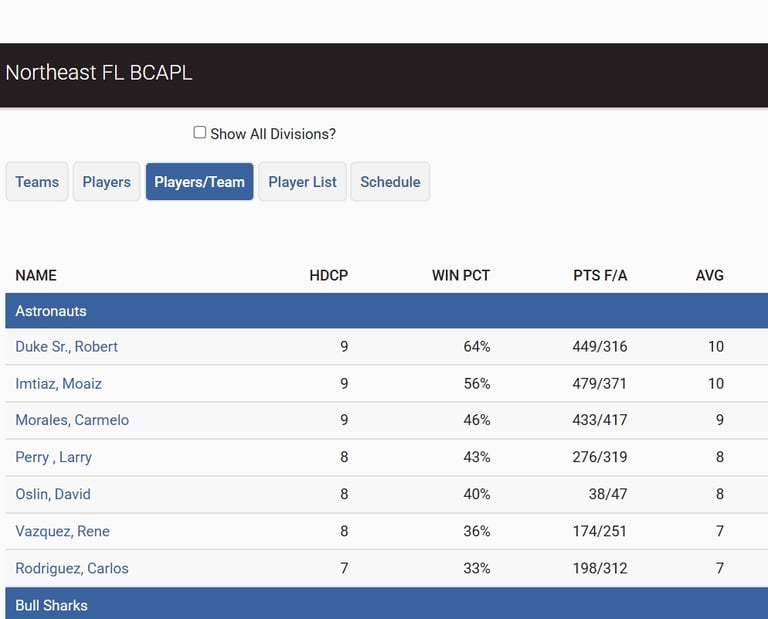
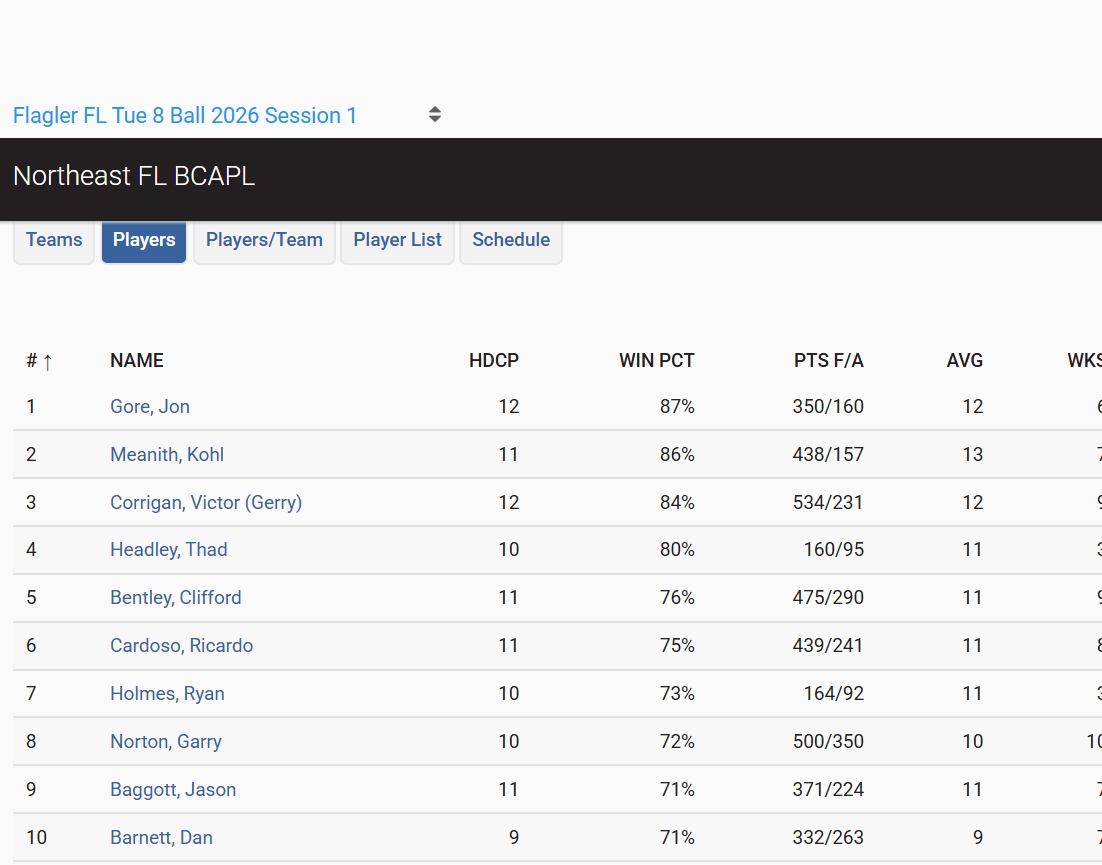
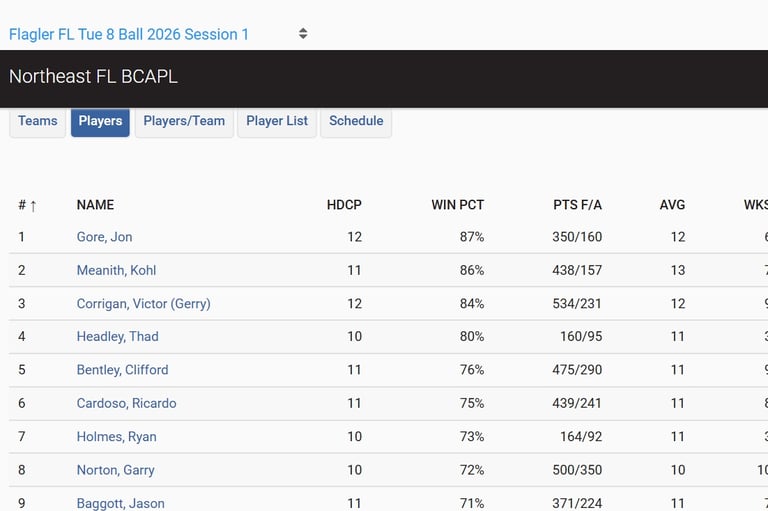
C. Players & Players/Team Tabs
The next two tabs on the site are 'Players' and 'Players/Team'. Both show pretty much the same stats but the 'Players' button shows the entire league's players and are in alphabetical order.
The 'Players/Team' button shows the players by team name. It's just two different ways to see your stats compared to others in the league.
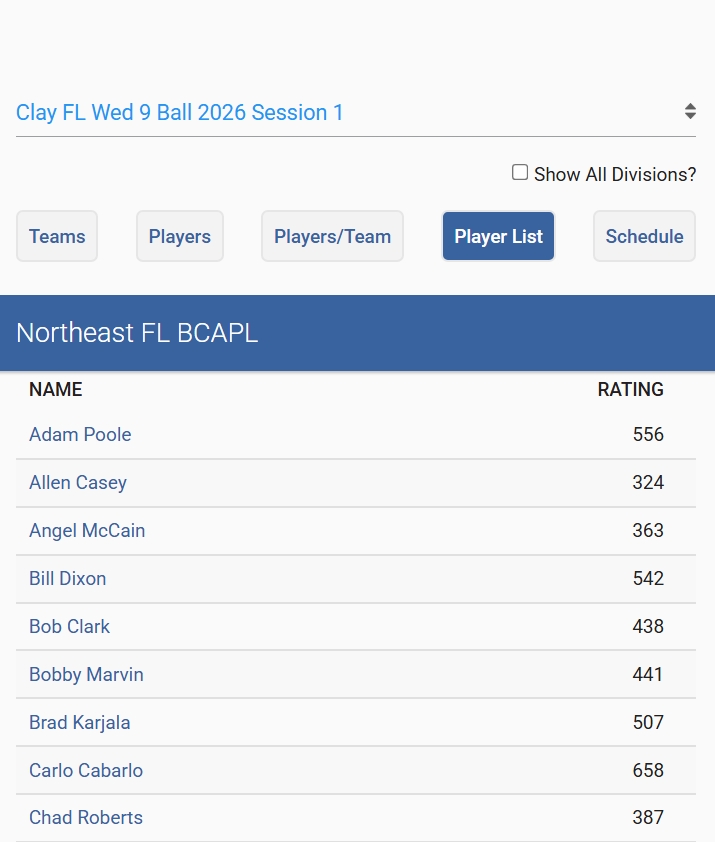
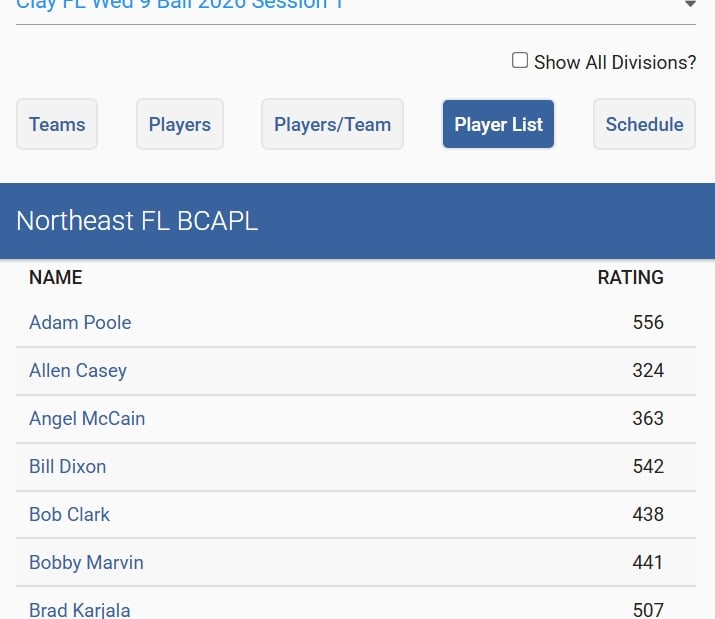
D. Player List Tab
The next tab is 'Player List' this is another player stats page except this one shows only the player's name and their FargoRate.
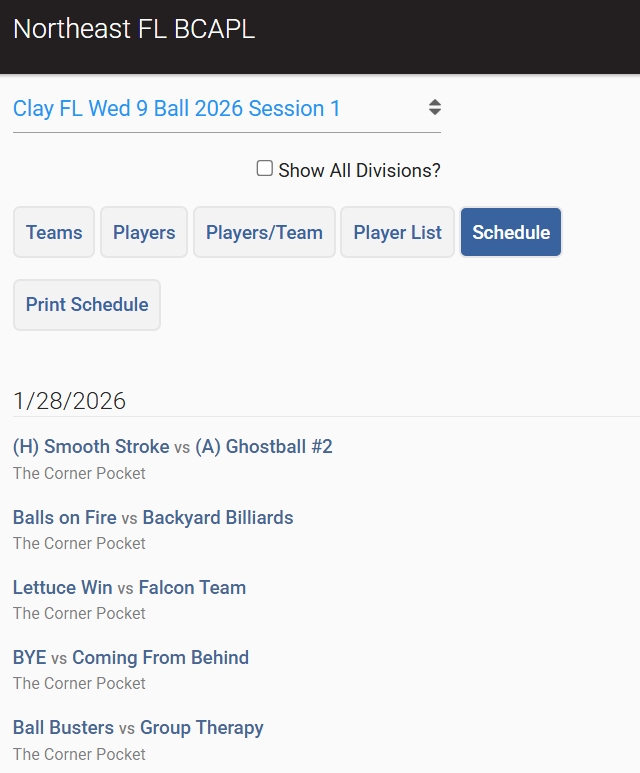
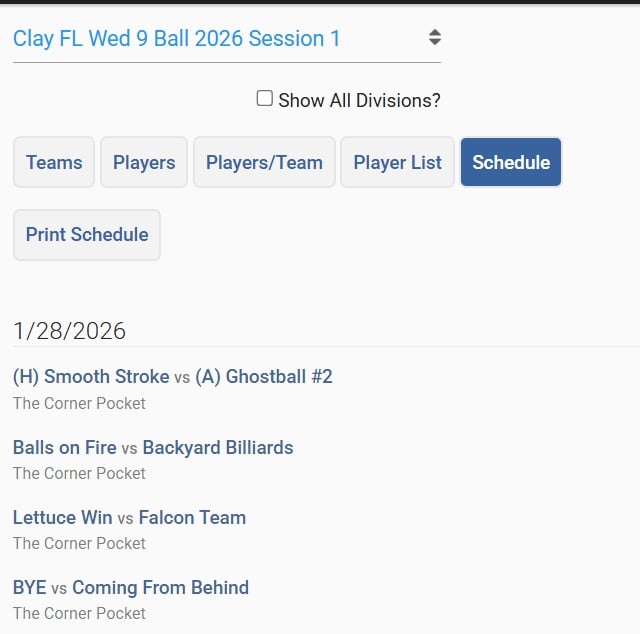
E. Schedule Tab
Do not pay a lot of attention to this tab. It will show you the name of the team you are playing but will not tell you where you are playing or what table you are playing on.
For accurate information about your schedule, look at your team's page under 'Venues' and click the venues 'Schedule' button.
Want to join a league?
Now is the time!
Email:
(904) 808-4558
Copyright© 2026. All rights reserved.
PHONE: